
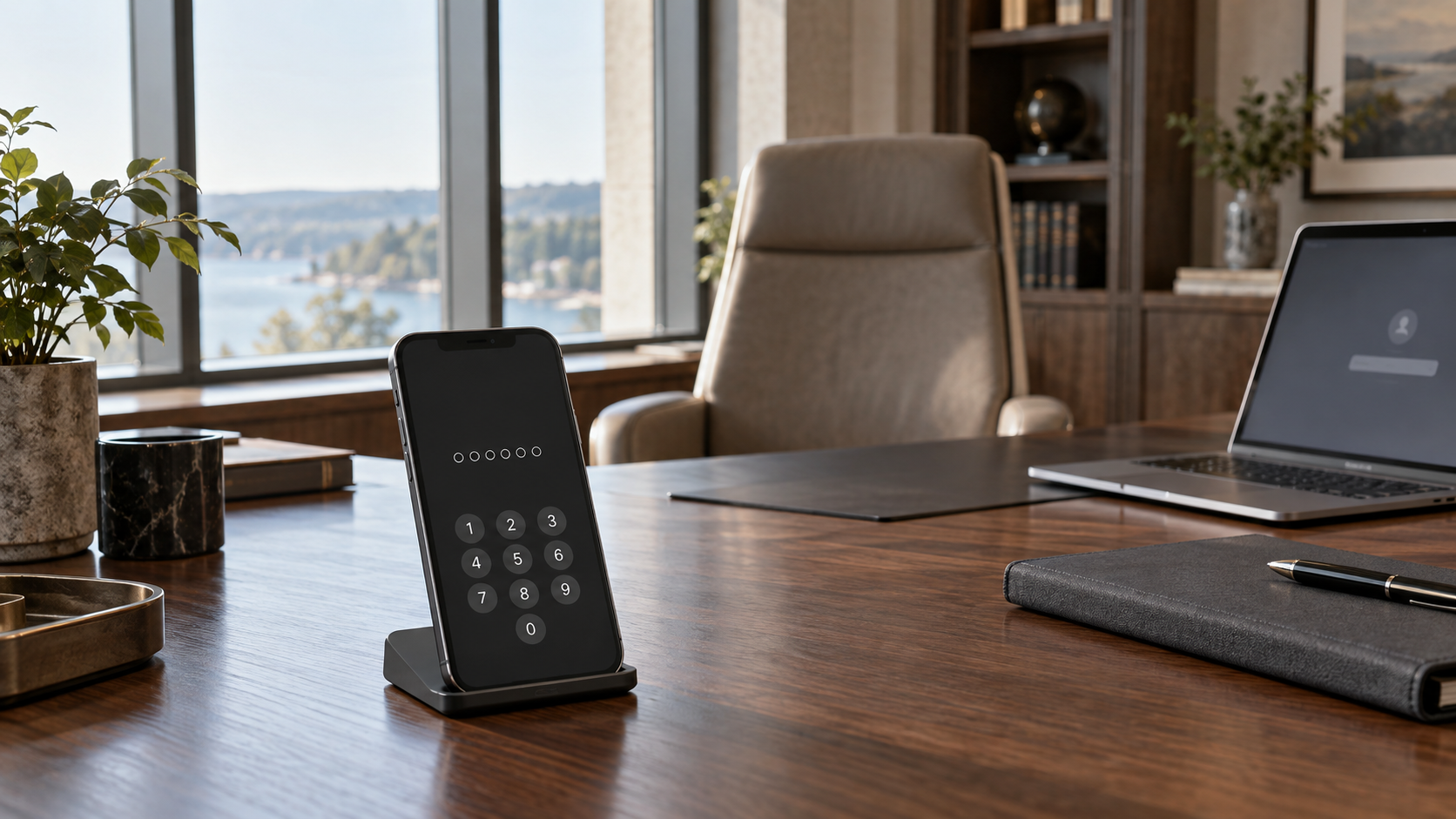
Most families have made some arrangement for what happens to their accounts and devices after they die. Very few have made one for the months when a principal is alive and cannot act. That second state is the one that stops a family office working, and almost nothing in the estate plan or in the platforms themselves operates inside it. The design problem is therefore narrower than it first looks: build for the window between the event and any legal authority, because that window is where the office either keeps running or does not.
The arrangements are built for death
Apple’s legacy route is explicit about its trigger. A legacy contact requesting access must supply two things: the access key “that you generate when you choose them as your Legacy Contact” and “your death certificate,” and Apple notes that “documentation requirements might vary by country or region.” Whatever else that is, it is not a mechanism for a principal in an intensive care unit.
Google’s Inactive Account Manager turns on silence rather than proof. The plan runs only after the account has been inactive for a period the user sets in advance, and Google judges that from “your last sign-ins, your recent activity in My Activity, usage of Gmail (e.g., the Gmail app on your phone), and Android check-ins.” Up to ten people can be named. What they receive is “a link they can follow to download the data,” which is a copy of the contents rather than control of the account.
Microsoft is the plainest of the three. “For privacy and other legal reasons, we are generally unable to provide information to non-account holders,” and for a deceased or incapacitated user the company requires “a valid subpoena or court order” before it will even consider releasing anything, served on its registered agent rather than sent by email.
None of these is unreasonable. Each is built to stop the obvious attack, which is a stranger asserting a relationship. But read together they describe the same boundary: the routes that exist assume either a death certificate, a long silence, or a court. An office that needs a payment approved on Tuesday has none of those.
Even the mechanism for a living user assumes the user can act
Apple does offer something aimed at a living account holder, and it is worth understanding precisely because it looks like the answer and is not. An account recovery contact is “someone who can verify your identity and help you regain access to your Apple Account.” You may name up to five. The limit is stated directly: “your recovery contacts won’t have any access to your account, only the ability to give you a code.”
The code goes to the principal, who then uses it to reset their own password. That is a good control against a forgotten password or a lost device. It does nothing when the person who has to receive and enter the code is sedated, hospitalized or otherwise unable to participate. This is the honest shape of the consumer tooling: recovery features protect against a lost credential, not an absent person.
It helps to stop talking about “the accounts” and name what breaks.
The second factor is usually the first thing to fail, and it is rarely in the office. It sits on a phone the principal carries, behind a passcode only they know, and it gates the banking portal, the custodian, and often the office’s own systems. Nothing else on this list matters if that phone cannot be unlocked.
The credential vault is the second. If it holds the office’s shared logins, its own recovery material becomes the single most important artifact in the building. It is also the thing the platforms most clearly refuse to hand over: Apple states that inaccessible data includes “data stored in your iCloud Keychain (payment information, passwords, and passkeys).” The one category you would actually need is the one category legacy access is designed to exclude.
Device encryption is the third, and here there is no route at all. Apple’s guidance on FileVault is unusually blunt: “if you turn on FileVault and then forget your login password and can’t reset it, and you also forget your recovery key, you won’t be able to log in, and your files and settings will be lost forever.” Apple also advises keeping a copy of the recovery key “somewhere other than your encrypted startup disk.” There is no support queue that undoes this. Where no vendor route exists, escrow is the only control available.
Then the two most commonly forgotten. The domain registrar account, which controls the family office’s email, is very often registered in one person’s name with their personal address on the recovery record. And administrative control of the office’s own productivity tenant, which in a small office is frequently held by exactly one individual who is also the person you are trying to reach.
The setting that outranks the estate plan
There is a second-order problem that most offices have never examined, and it is the reason this is an operational matter rather than a purely legal one.
Under the Revised Uniform Fiduciary Access to Digital Assets Act as states have enacted it, a designation made inside the platform can beat the document. Washington’s version puts it this way: “if the online tool allows the user to modify or delete a direction at all times, a direction regarding disclosure using an online tool overrides a contrary direction by the user in a will, trust, power of attorney, or other record.”
The legacy contact a principal tapped through on a phone in some previous year is an online-tool direction. It can therefore override an instrument counsel drafted afterwards, and in most offices nobody has ever looked at the setting to see whether it exists or who is named in it.
Two more provisions matter operationally. A guardian or conservator has, in Washington’s wording, “the right to access an incapacitated person’s digital assets other than the content of electronic communications” unless the court orders otherwise, which means the appointment that eventually arrives may still not reach the mailbox. And an agent acting under a power of attorney needs that power of attorney to be one “expressly granting the agent authority over the content of electronic communications.” A general grant of authority is not the same thing. Custodians may also charge a reasonable administrative charge and may refuse a request that imposes an undue burden.
Washington is the example here, not the rule. States have enacted their own versions and they differ, so the operative text is the one in the family’s own jurisdiction, and reading it is counsel’s work rather than ours. The office’s job is narrower and entirely practical: find out which platforms carry a designation and who is named in each, so that counsel is looking at the facts rather than at an assumption.
Four things worth building
Start with an access inventory organized by consequence rather than by count. The useful question is not how many accounts exist but which ones stop the office if nobody can reach them, and for each of those, where the second factor physically is. An inventory that lists two hundred logins and does not say whose phone approves the wire has answered the easy question.
Make the escrow real. Recovery keys, the vault’s recovery material and the registrar credentials should sit somewhere two named people can reach under a written rule, held separately from the device they unlock. A recovery key in a drawer in the same house as the encrypted laptop is not escrow.
Arrange institutional delegation before it is needed. Banks, custodians, the registrar and the productivity tenant each have their own process and their own tolerance, and those processes are slow when initiated under pressure and fast when the paperwork already exists. Ask each one what it will accept and from whom, and do it while the principal can still sign.
Then write the break-glass procedure down, put two people on it, and rehearse it once. NIST’s digital identity guidelines treat binding a new authenticator to an account as a more sensitive operation than a routine sign-in, and recommend that the account holder be notified when it happens, precisely because an undetected binding hands an attacker durable access. The same property that makes an emergency access route work is what makes it worth attacking, so it should be noisy, logged and reviewed rather than quiet and convenient.
What to check this week
None of this requires a budget, and the first pass is an afternoon.
Does the principal’s power of attorney expressly cover the content of electronic communications, or only assets generally? Which platform designations currently exist, and who is named in each? Where is the device encryption recovery key for every encrypted machine the office depends on, and is it stored somewhere other than that machine? Whose phone holds the second factor for the banking portal, and what is the plan if that phone cannot be unlocked? And in whose name is the domain registrar account that controls the office’s email?
If the answers are uncomfortable, that is the ordinary result. This is the one part of a family office’s security posture that nobody’s contract covers and no annual review tends to reach.
Where this sits
Deciding who owns this question is part of the wider accountability problem we work through in family office cybersecurity governance. Digital continuity is also one of the items we have noted sits outside almost every managed service agreement, alongside the rest of the ground covered in what your IT provider does not cover.
Building the inventory, the escrow design and the break-glass procedure, and documenting them so they survive a staff change, is work we handle through cybersecurity program development. Keeping them current as devices, platforms and people change is what ongoing advisory is for.
Sources
Apple, Add a Legacy Contact for your Apple Account
Apple, Set up an account recovery contact
Apple, Protect data on your Mac with FileVault
Google, About Inactive Account Manager
Microsoft, Accessing Outlook.com, OneDrive and other Microsoft services when someone has died
Revised Uniform Fiduciary Access to Digital Assets Act as enacted in Washington, RCW 11.120